Adventure Time Colour-In Game
Unleash your artistic spirit with the Adventure Time Colour-In Game, an immersive digital coloring experience set in the magical Land of Ooo. This creative game invites players of all ages to bring their favorite Cartoon Network characters to life using a vibrant palette of spray paints and digital tools. Featuring iconic stars from the beloved series, including Finn the Human, Jake the Dog, Princess Bubblegum, and the ever-dramatic Lumpy Space Princess, this browser-based game turns your screen into a blank canvas. Whether you are a fan of surreal adventures or just love a relaxing art session, this game provides endless hours of entertainment. Experiment with bold colors, blend shades, and add your unique touch to line art scenes featuring your favorite inhabitants of the Candy Kingdom and beyond. Perfectly optimized for desktop and mobile browsers, this HTML5 game requires no downloads, making it the ultimate destination for fans seeking a creative outlet. Dive into the imaginative world of Adventure Time, experiment with different artistic techniques, and share your masterpiece with friends. It is time to grab your virtual markers, select your favorite hues, and show the world your creative vision in this high-energy, fun-filled coloring adventure.
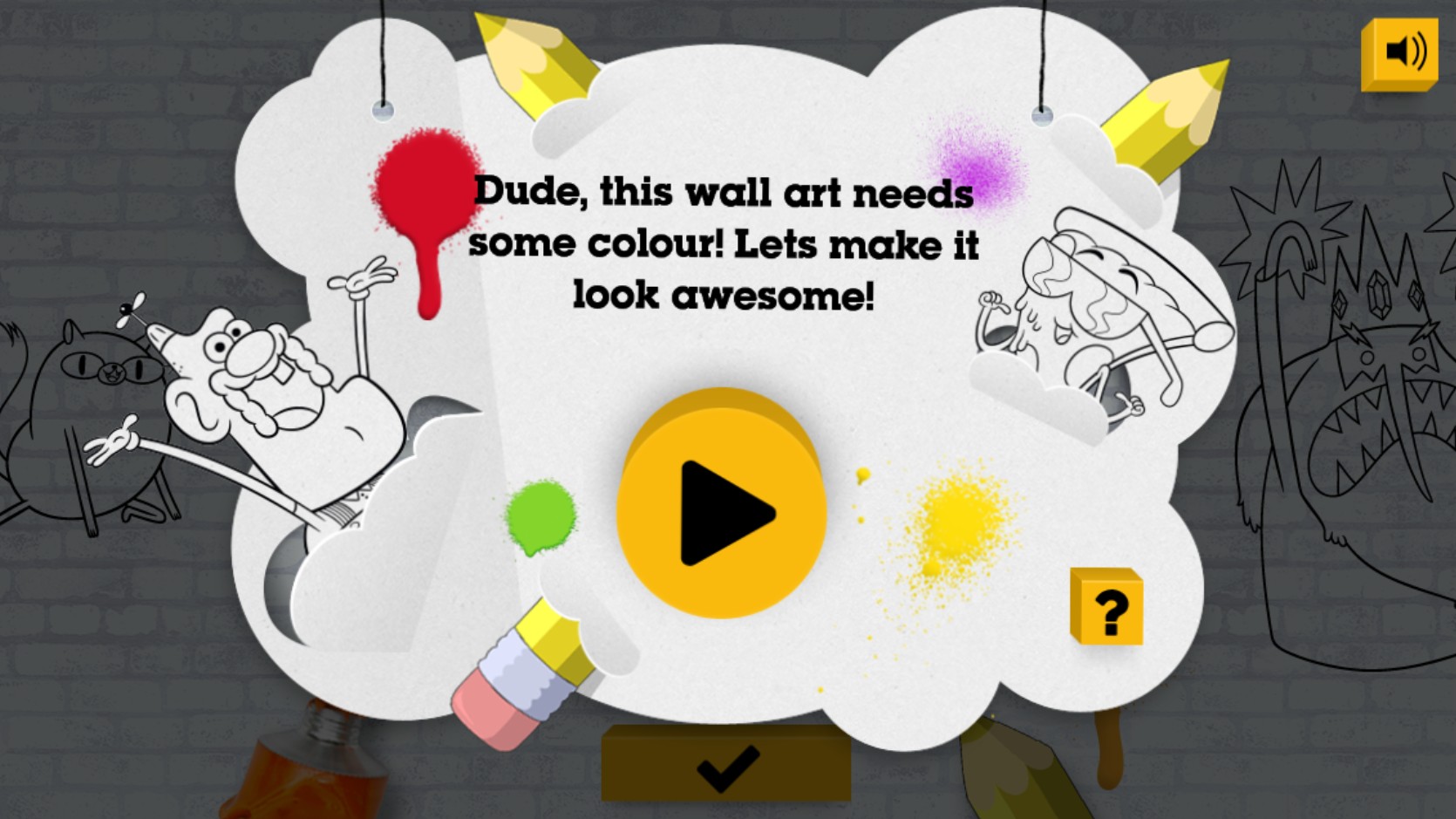
Upon launching the game, you will be greeted by the main menu featuring your favorite Adventure Time characters. Click the large yellow Play button to enter the studio. Browse through the available line art pages by using the navigation arrows. Once you have selected an image, utilize the toolbar located on the screen to choose your color palette, which includes a wide variety of spray paint hues and artistic tools. Select a color by clicking on it, then click on the specific sections of the character or background you wish to fill. You can use the eraser tool if you need to correct any mistakes. Experiment with different combinations to create a unique look for Finn, Jake, and the rest of the gang. When your artwork is complete, you can admire your colorful creation or clear the canvas to start fresh with a new design. Use the mouse to click and drag or simply tap your touchscreen to apply paint precisely where you want it.