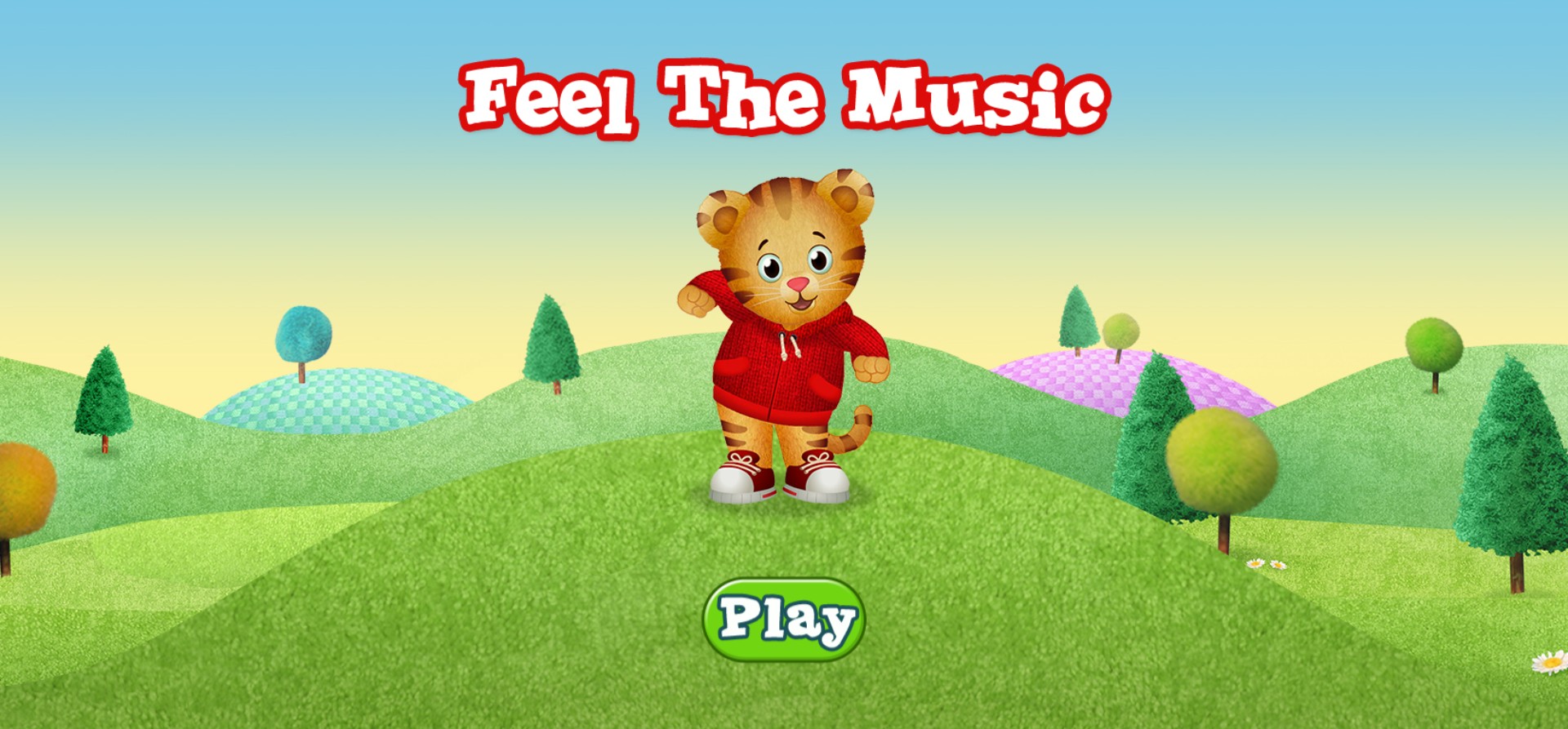
Feel the Music - Daniel Tiger Educational Rhythm Game





Feel the Music - Daniel Tiger Educational Rhythm Game
Dive into the delightful world of Daniel Tiger's Neighborhood with Feel the Music, an engaging and rhythmic browser game designed specifically for young learners and preschool children. Featuring the lovable and iconic character Daniel Tiger, this educational experience invites kids to explore the joy of sound, tempo, and coordination. Set against the backdrop of the whimsical Land of Make-Believe, players follow Daniel as he encourages them to clap, tap, and move along to catchy musical beats. This game is perfect for developing auditory skills and rhythm awareness in a safe, colorful, and friendly environment. With its simple point-and-click interface, children can easily navigate the menus and start playing instantly. Whether your child is a fan of the PBS Kids show or just loves interactive musical games, Feel the Music provides a high-quality, ad-free, and immersive experience that teaches the basics of music through playful interaction. Experience the magic of Daniel Tiger today in this top-rated educational browser game that brings melody and movement together for endless hours of screen-time fun.
How to Play Feel the Music - Daniel Tiger Educational Rhythm Game?
1. Launch the game in your web browser and wait for the screen to load. 2. Click on the green Play button located at the bottom of the screen to begin. 3. Follow the visual and audio prompts provided by Daniel Tiger. 4. Use your mouse or touchscreen to click, drag, or tap items in time with the music as indicated by the game's rhythm sections. 5. Listen closely to the sounds and patterns to successfully complete each musical sequence. 6. Repeat patterns or create your own melodies by interacting with the various musical instruments and elements presented in the levels. 7. Enjoy the colorful animations and upbeat music as you progress through different zones in the Neighborhood.