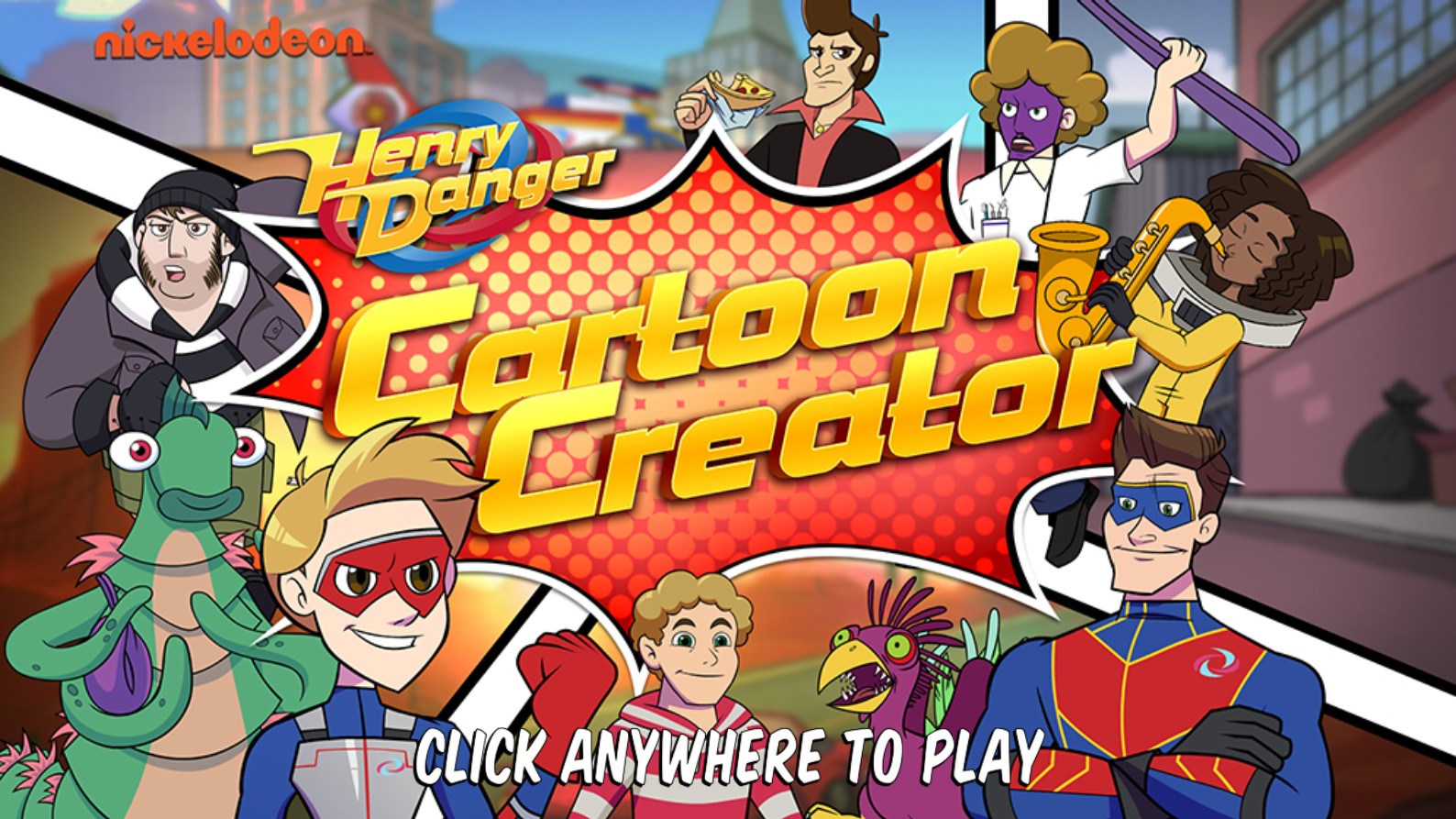
Henry Danger Cartoon Creator
Step into the world of Swellview with the Henry Danger Cartoon Creator, an immersive creative game where you can bring your favorite superhero adventures to life. Based on the popular Nickelodeon series Henry Danger, this game allows players to channel their inner artist and animator by designing custom comic strip panels featuring Kid Danger, Captain Man, and a host of quirky villains and sidekicks. The game features an extensive library of character sprites, iconic settings from the show, and expressive props that allow for endless storytelling possibilities. You can drag and drop characters like Henry Hart, Ray Manchester, Charlotte, Jasper, and Piper into various scenes, then outfit them with funny dialogue bubbles, action sound effects, and cool gear. Whether you are crafting an intense battle scene against a criminal mastermind or a hilarious mishap at Junk-N-Stuff, this intuitive design tool makes it easy to compose high-quality artwork. Perfect for fans of the show who love creative expression, this browser-based game provides a playground for digital storytelling without needing advanced artistic skills. Express your fandom, share your scenes, and build the ultimate Henry Danger comic book masterpiece in this fun-filled, interactive experience.
To play Henry Danger Cartoon Creator, start by clicking the Play button on the main menu to open the design studio. Use the sidebar menu to select your desired comic strip layout or panel background. Navigate through the character selection menu to choose your favorite heroes and villains from the Henry Danger universe; click and drag them onto the canvas to place them in your scene. Use the scaling and rotation tools to adjust the size and pose of each character to fit your narrative. Browse the props tab to add interactive items like pizza slices, gadgets, or musical instruments. Select the speech bubble tool to add custom text, allowing your characters to speak, joke, or shout action phrases. Once your scene is populated, use the sound effect stickers to emphasize the action. If you need to make changes, select any item to move, edit, or delete it from the panel. When your comic masterpiece is complete, you can review your entire strip, clear the stage to start a new project, or save your creation to share with friends.