How to Draw Mao Mao - Cartoon Network Art Game

How to Draw Mao Mao - Cartoon Network Art Game
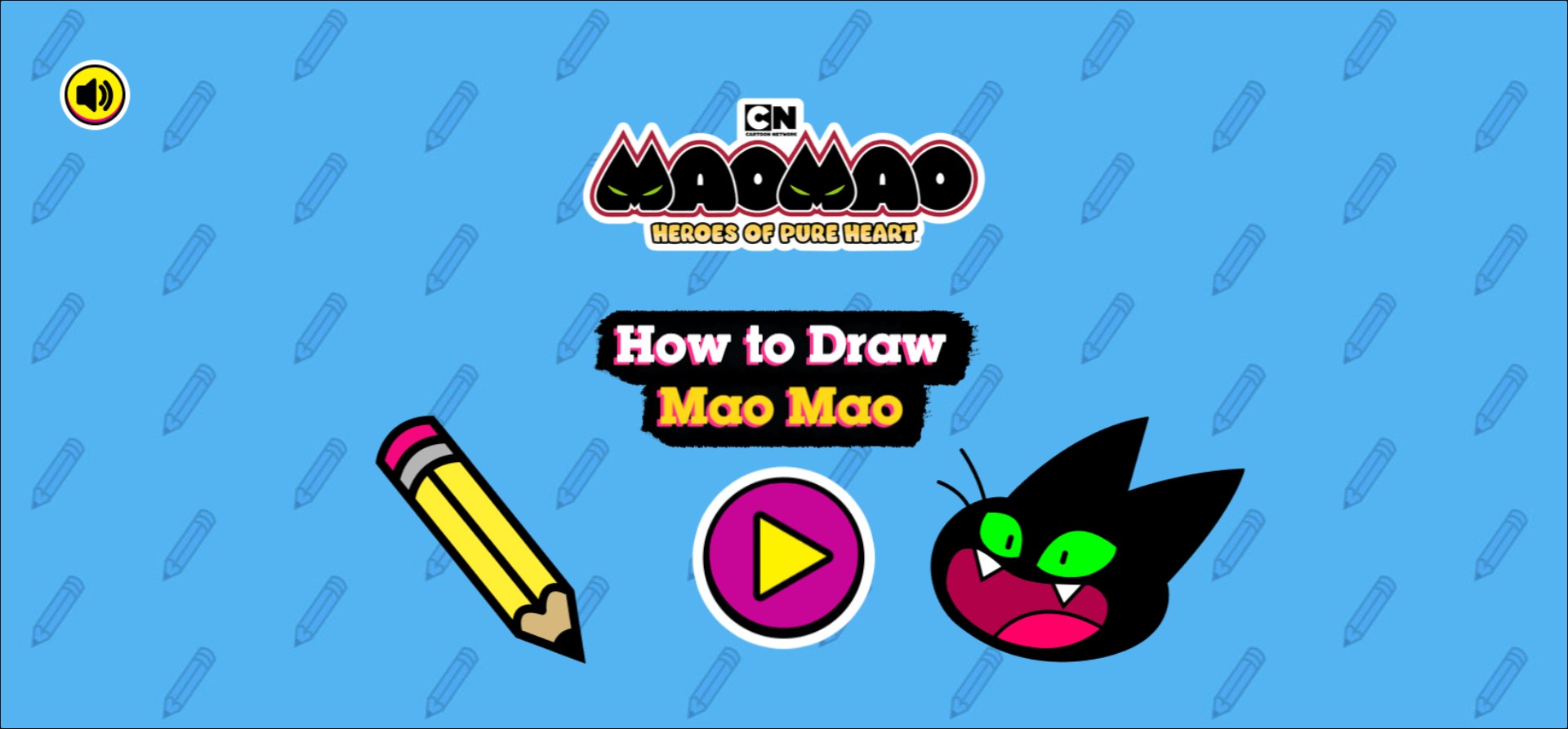
Unleash your inner artist with the official How to Draw Mao Mao game, an engaging and creative browser-based experience inspired by the hit Cartoon Network series Mao Mao: Heroes of Pure Heart. In this interactive educational game, players are guided through a step-by-step drawing tutorial that teaches them how to sketch the iconic sheriff, Mao Mao, from scratch. The game interface is designed for kids and fans of all ages, providing a simplified, fun approach to character illustration. Set against a playful background featuring pencil icons, the game challenges you to replicate the sharp, dynamic features of the cat hero, including his expressive green eyes and signature silhouette. Whether you are an aspiring illustrator or just looking for a fun creative pastime, this game provides the tools and guidance needed to produce a masterpiece. Perfect for fans of animated series, this drawing simulator turns a complex character design into manageable, easy-to-follow strokes. Dive into the world of Pure Heart Valley and practice your artistic skills in this free HTML5 game that requires no downloads, just your imagination and your mouse or touchscreen device.
How to Play How to Draw Mao Mao - Cartoon Network Art Game?
Upon launching the game, click the large pink Play button on the center of the screen to begin. You will be presented with a canvas and a series of sequential guides that show you how to outline Mao Mao step by step. Use your mouse cursor or touchscreen to follow the glowing guide lines, tracing the shapes as they appear on the screen. The game will show you where to place the eyes, the sharp ears, and the head shape. Simply drag your pointer to mirror the movements demonstrated in the tutorial. Once you complete each layer of the sketch, the game will automatically transition to the next part of the drawing process, allowing you to add more detail and depth to your character until the final illustration of Mao Mao is complete. You can restart the process at any time to refine your technique and improve your drawing speed.