Mine Numbers KneeBouncers Educational Game
 44 Cats Memory Game - Play Online Free
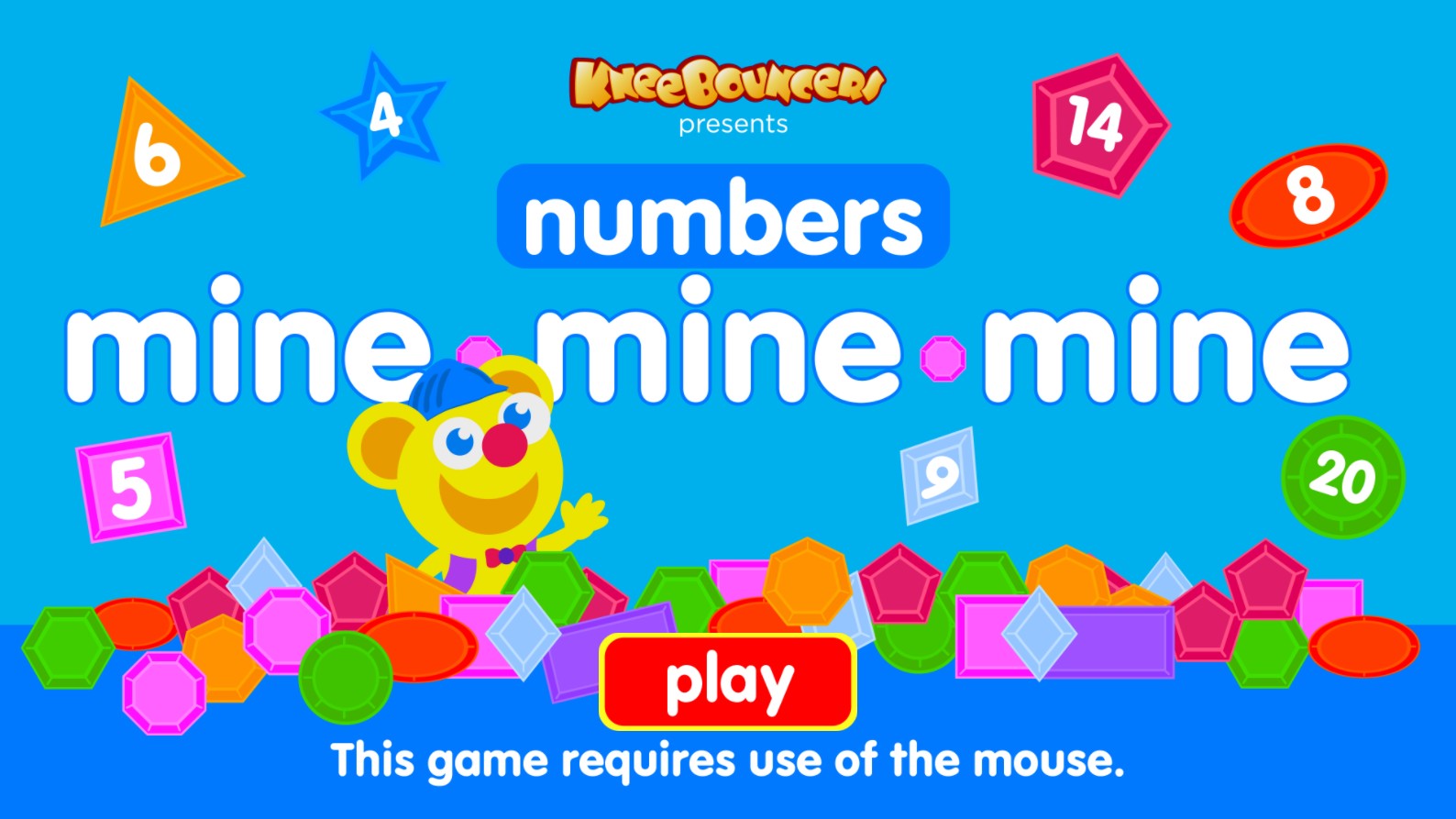
Dive into the vibrant world of Mine Numbers, an engaging educational browser game brought to you by KneeBouncers. This colorful and interactive experience is specifically designed for preschool-aged children, blending early math skills with fun, playful discovery. Featuring a cute, cheerful mascot, the game challenges young players to identify and collect various numbers floating among a field of bright, geometric shapes like triangles, circles, and polygons. As players explore the screen, they practice counting, number recognition, and spatial awareness in a safe, stimulating digital environment. The gameplay is simple yet rewarding, providing positive reinforcement that encourages children to continue their learning journey. Perfectly optimized for mouse input, this game helps develop fine motor skills alongside foundational mathematics, making it an excellent tool for parents and teachers seeking high-quality, ad-free, and age-appropriate content for toddlers. Join the KneeBouncers character in this delightful adventure where learning meets endless fun, and watch as your little one builds confidence in their numerical abilities through interactive play and discovery.
1. Launch the game in your web browser. 2. On the main menu screen, click the large red Play button using your computer mouse. 3. Observe the screen as various shapes, each labeled with a specific number, drift across the play area. 4. Listen for the audio cues or visual prompts that ask you to find a particular number. 5. Carefully move your mouse cursor over the requested number. 6. Click the number to select or collect it. 7. Continue identifying and clicking the correct numbers to progress through the levels and earn rewards. 8. If you click an incorrect number, simply listen for the prompt again and try a different one. 9. Keep playing to sharpen your counting skills and enjoy the bright, happy animations.