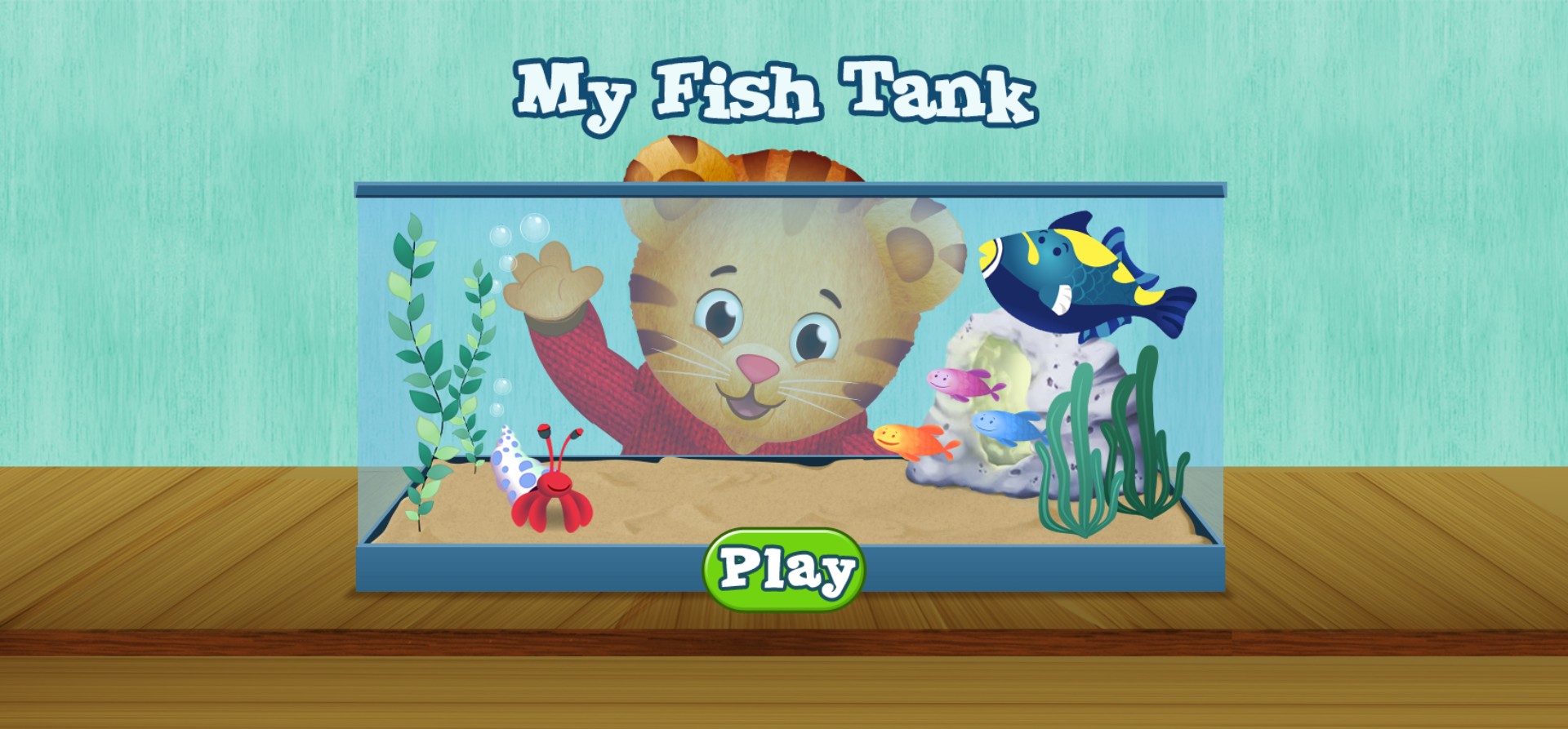
My Fish Tank Daniel Tiger Online Game






My Fish Tank Daniel Tiger Online Game
Dive into the delightful world of My Fish Tank, an interactive and creative simulation game featuring the lovable Daniel Tiger from the hit PBS series. In this charming browser-based game, children get to step into the role of a budding marine enthusiast, helping Daniel Tiger decorate and maintain a vibrant, colorful aquarium. The gameplay focuses on fostering imagination and responsibility as players select various items, choose unique fish, and arrange decorations to create the perfect underwater home for their aquatic friends. With bright visuals and a relaxing atmosphere, this game is perfect for young gamers who enjoy creative play and animal care. As you interact with the environment, you will learn about taking care of pets and expressing your artistic side by designing a custom fish tank. The game provides a safe, educational, and fun digital experience that encourages engagement with friendly characters, making it an ideal choice for parents looking for wholesome entertainment for their little ones.
How to Play My Fish Tank Daniel Tiger Online Game?
1. Click the green Play button on the main screen to begin your aquarium adventure. 2. Use your mouse or touchscreen to select various decorative items like plants, rocks, and toys to place inside the glass tank. 3. Choose different types of fish to populate your tank, watching them swim around once added. 4. Drag and drop items to reposition them until you are satisfied with the layout. 5. Experiment with different color combinations and layouts to keep Daniel Tiger and the fish happy. 6. Enjoy the calming atmosphere and interact with the various elements on the screen to trigger fun animations.