Robot Colors Ruckus
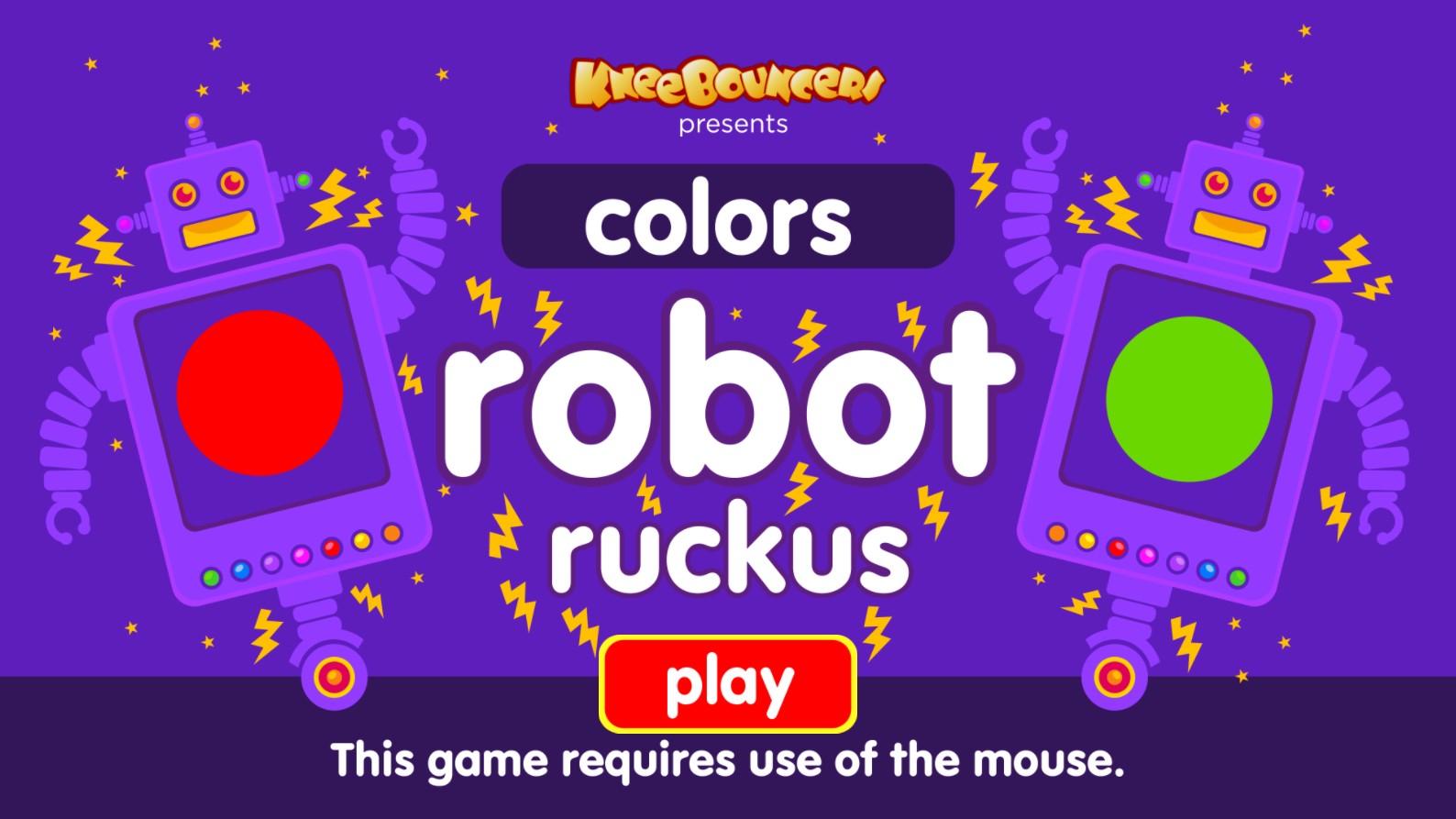
Step into the fun and vibrant world of Robot Colors Ruckus, an exciting educational game designed specifically for toddlers and preschool-aged children. Brought to you by KneeBouncers, this delightful browser-based title features friendly, colorful robots that turn learning into a thrilling adventure. As children interact with the game, they are introduced to basic concepts of color recognition and simple visual sorting in a bright, engaging environment. The game interface is extremely user-friendly, ensuring that little ones can navigate through the menus and gameplay without any frustration. Whether you are teaching your child their primary colors or looking for a safe, digital activity that promotes cognitive development, Robot Colors Ruckus is the perfect choice. With its high-quality graphics and simple, intuitive mechanics, this HTML5 game provides a positive introduction to early learning technology. Explore various interactive screens where robots help solidify color knowledge through play, rewarding curiosity with cheerful animations and sound effects that keep young minds entertained for hours.
1. Launch the game in your browser on a desktop or laptop. 2. Since this game requires the use of a mouse, ensure your pointing device is connected. 3. Click on the large red Play button on the main title screen to begin. 4. Once the game starts, watch for the colorful robots to appear on the screen. 5. Follow the on-screen prompts or verbal instructions to identify specific colors. 6. Use your mouse cursor to click on the correct colored robot or color panel as requested by the game. 7. Continue interacting with the elements to complete the color sorting tasks and progress through the levels. 8. Enjoy the visual and auditory feedback that celebrates each correct choice made by the player.