Teen Titans Go! Animation Studio Game
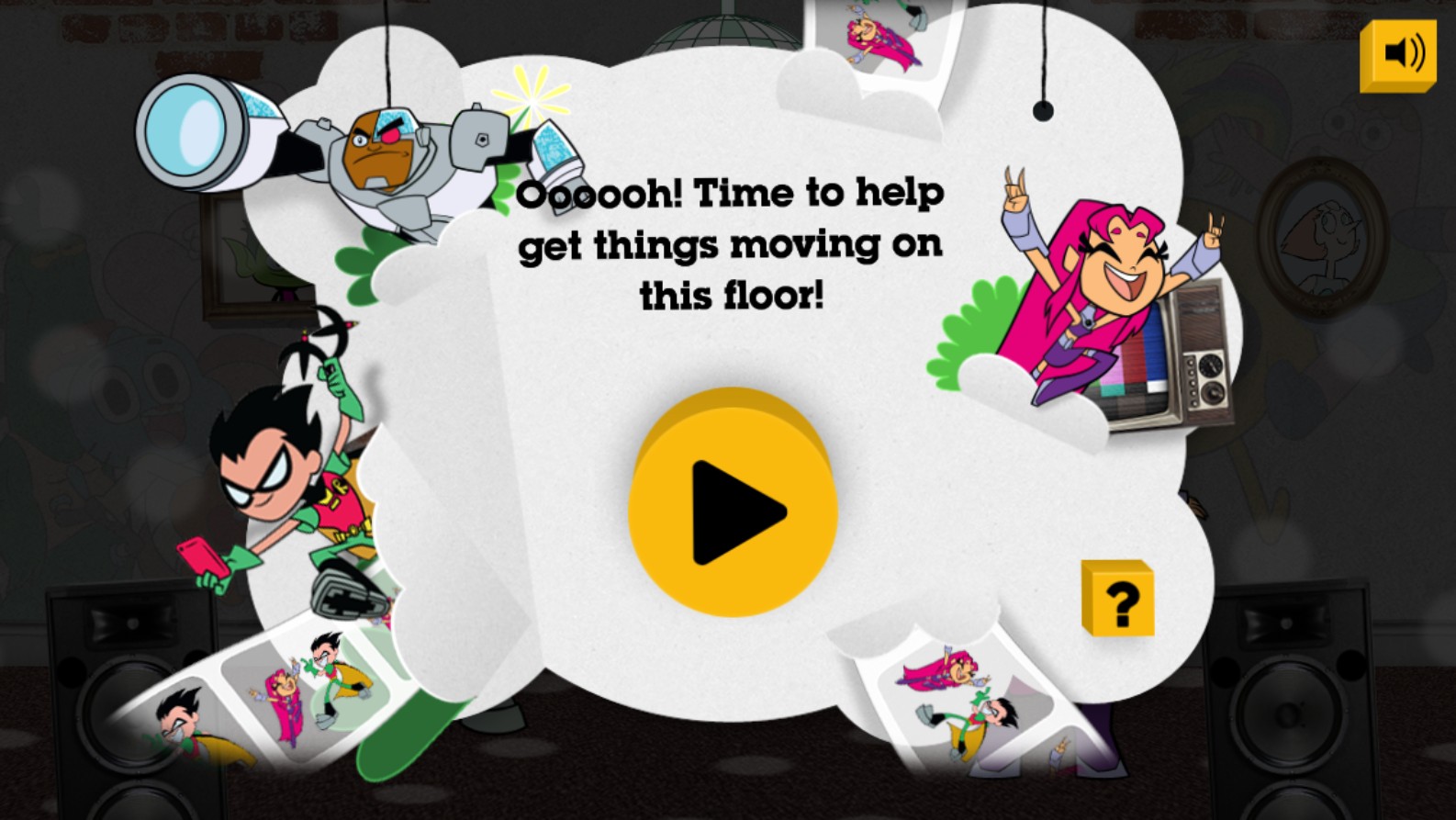
Dive into the hilarious and chaotic world of Jump City with the Teen Titans Go! Animation Studio game. Join your favorite superheroes, including Robin, Starfire, Cyborg, Raven, and Beast Boy, as you take charge of their latest zany adventures. This creative browser game allows players to step into the director's chair and piece together funny scenes starring the Titans. The interface features iconic characters from the hit Cartoon Network series in various poses, framed by classic animation strips. Players are tasked with helping the Titans get things moving on different floors of their tower, encouraging experimentation with animations, sound effects, and character interactions. With its vibrant art style, engaging humor, and interactive storytelling mechanics, this title is perfect for fans who want to express their creativity while spending time with the most eccentric superhero team in DC Comics. Whether you are arranging frames or testing new scenarios, the game offers a delightful experience that bridges the gap between watching the show and active play. Experience the fun of building your own Teen Titans episodes in this high-quality HTML5 game that works perfectly on all modern web browsers.
Upon starting the game, navigate through the main menu by clicking the play button located in the center of the screen. Explore the available floors of the Titans Tower to find different animation segments. Use your mouse or touchscreen to interact with various character elements, selecting poses or actions for Robin, Starfire, and the rest of the gang. Drag and drop assets onto the stage area to build your custom animation sequence. Click on specific items or characters to trigger unique, humorous animations and dialogue bubbles. Once you have arranged your scene, press the preview button to watch your creation unfold in real-time. Feel free to swap elements to change the outcome and discover all the funny interactions hidden within each floor. Keep an eye out for tooltips and help icons if you get stuck while navigating the studio interface.