Teen Titans Go! Colour In Game

Teen Titans Go! Colour In Game
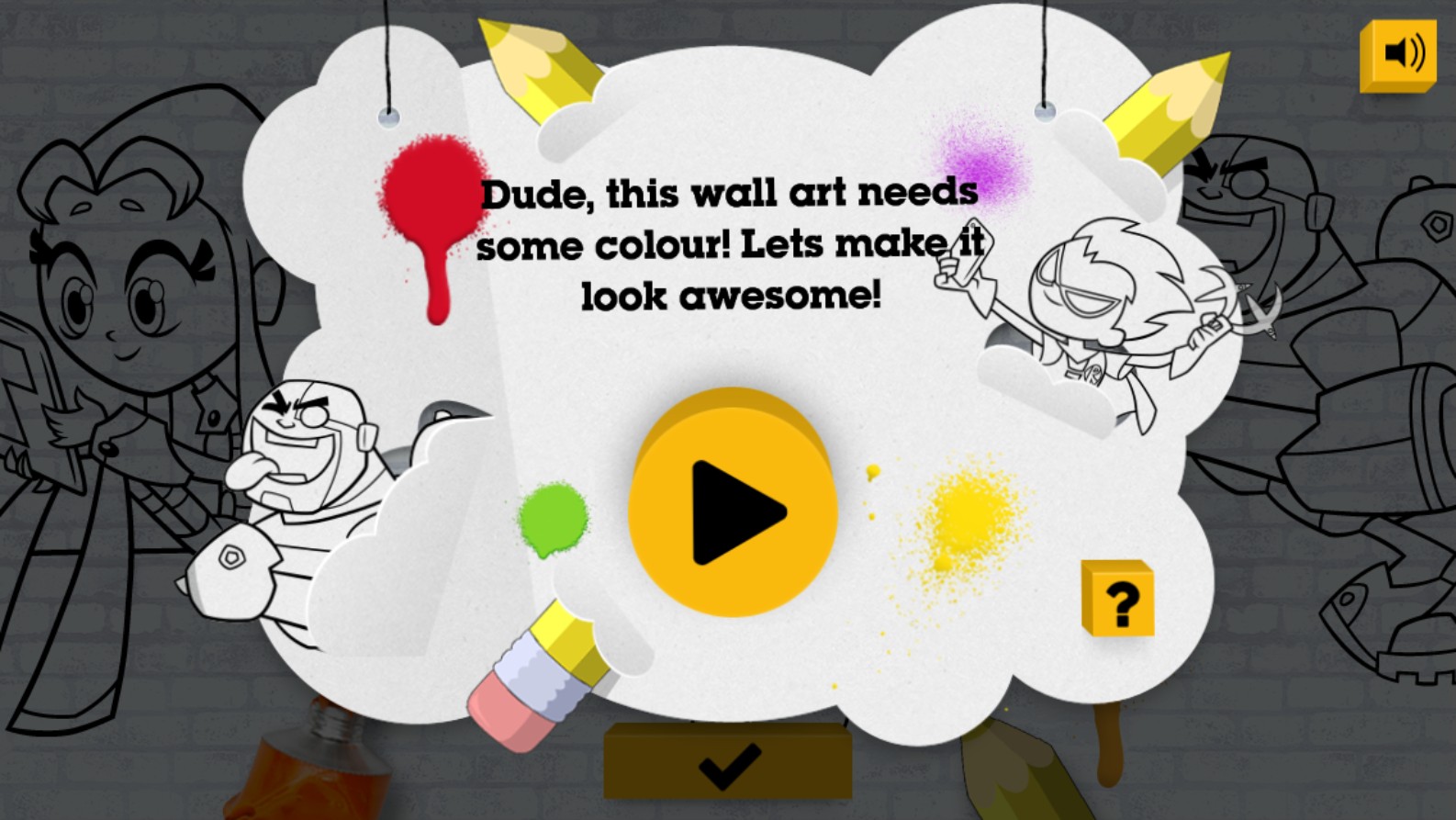
Get ready to unleash your inner artist with the Teen Titans Go! Colour In Game. This engaging and creative browser-based game invites players to join their favorite superheroes, including Robin and Cyborg, in a fun-filled artistic adventure. As you dive into the game, you are presented with vibrant, line-art sketches of the famous Teen Titans characters that are just waiting for a splash of color. The game design is intuitive and kid-friendly, featuring a whimsical interface shaped like a speech bubble where the characters challenge you to transform their wall art into masterpieces. Whether you want to stick to the original show colors or experiment with wild, imaginative palettes, the choice is entirely yours. This title is perfect for younger players who love the Teen Titans universe and want to practice their creativity. With smooth controls and high-quality graphics optimized for HTML5, it provides a seamless experience for fans on desktops and tablets alike. Dive into this colorful world, express your personal style, and bring the hilarious, action-packed world of Jump City to life through your own artistic vision.
How to Play Teen Titans Go! Colour In Game?
1. Launch the game in your web browser. 2. Click the large yellow Play button in the center of the screen to begin. 3. Navigate through the menu to select your favorite Teen Titans character drawing to color. 4. Use your mouse or touchscreen to select from a variety of colorful paints, brushes, and tools displayed on the screen. 5. Click on specific sections of the character line art to fill them with your chosen colors. 6. Use the eraser tool if you need to correct any mistakes. 7. Once you are satisfied with your creation, you can admire your work or start a new page to color another character.