Temple Quest Language Selection Screen
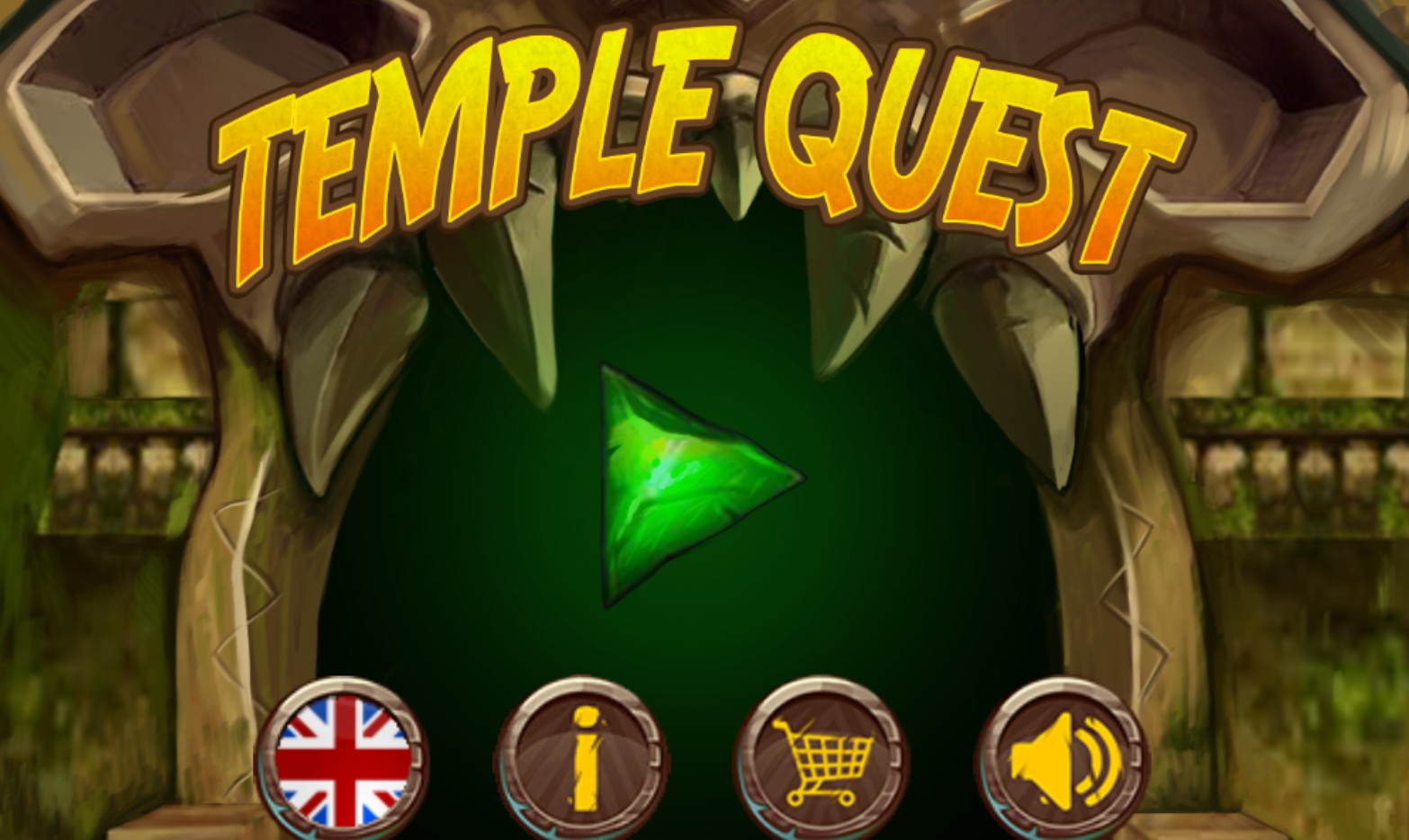
Temple Quest is an immersive and adventurous browser-based game designed to take players on a thrilling journey through ancient, mysterious ruins. This specific screen represents the language selection interface, allowing users from across the globe to customize their gaming experience. The sleek, circular buttons featuring national flags from the United Kingdom, Germany, Spain, France, Italy, Portugal, and Russia demonstrate the game's accessibility and international appeal. As a versatile HTML5 title, Temple Quest blends exploration, light puzzle-solving, and strategic decision-making, ensuring players remain engaged as they uncover ancient secrets and navigate treacherous traps. Perfect for fans of adventure and exploration, this game offers high-quality graphics and smooth controls directly in your web browser. Whether you are a casual player looking for quick fun or a strategy enthusiast aiming to master every level, Temple Quest provides a rewarding and culturally inclusive experience for everyone.
To begin your adventure in Temple Quest, first choose your preferred language by clicking on the corresponding country flag button on the start screen. Once the language is set, navigate the game menus using your mouse or touchscreen to select your game mode or level. Within the main gameplay, use the arrow keys or on-screen controls to guide your character through the ancient temple. Solve environmental puzzles, avoid hidden traps, and collect artifacts to progress through the chambers. Keep an eye on your health and objective markers to ensure success as you delve deeper into the quest. If you need to change settings or return to the main menu, look for the pause or options icon usually located in the corner of the game screen.